

mySAGOVアプリの使い方|免許・Rego・資格をスマホで管理
Digital Licence・Credential・Renewal Reminder・Browser版との違いを解説
最終更新:
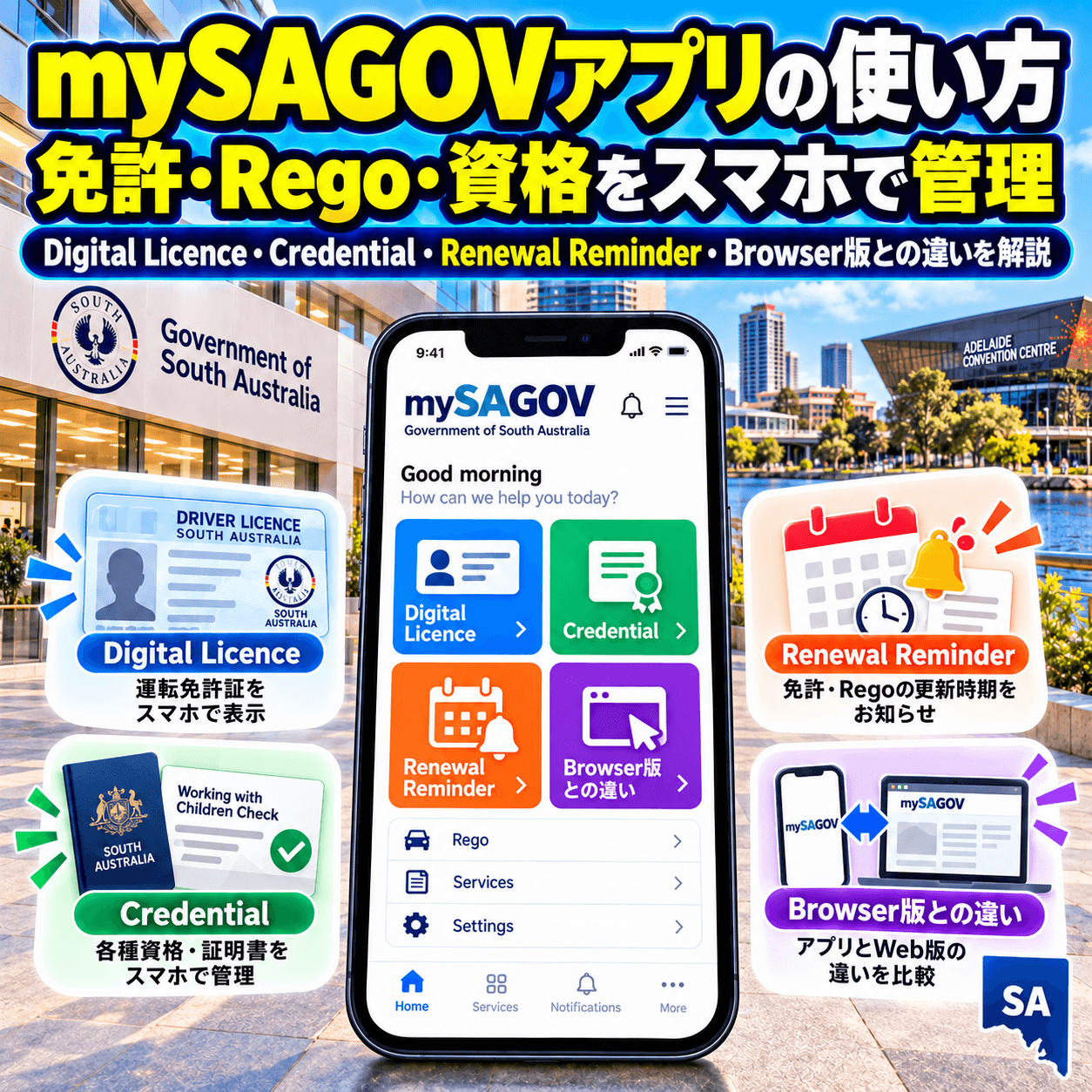
※この記事は2026年10月7日時点のSouth Australian Government / Service SA公式情報を確認して作成しています。 対応Licence、Credential、Registration、MFA、Digital ID機能は変更される場合があります。 実際の手続きではSA.GOV.AUとService SAの最新案内を優先してください。
AUS LIFE QUICK GUIDE
30秒でわかる
免許・資格
Digital表示
Licence・Credentialを保存
Rego
確認できる
車・Boatに対応
支払い
Browser版
Appでは不可
01
mySAGOVとは?
mySAGOVはSouth Australian GovernmentのOnline Serviceです。 Browser版AccountではVehicle registration、Account details、Payment、Service SAの一部Transactionを管理でき、 Mobile AppではDigital licence、Credential、Registration表示、Expiry reminderを利用できます。
Digital Licence
Driver Licence、Learner Permit、Proof of Age、Boat LicenceなどをPhoneへ追加できます。
Occupational Credential
Builder、Trade、Security等の対象Licence / Registrationを追加できます。
Vehicle Rego
自分や家族・Company vehicleのRegistration detailsを確認できます。
Renewal Reminder
Expiry前に1・7・14・28日前のNotificationを設定できます。
Verification
30秒ごとに更新されるBarcodeでDigital credentialの真正性を確認できます。
Browser Account
Payment、住所変更、Account管理、TransactionはBrowserから行います。
02
mySAGOV Accountを作成する
mySAGOV Appを使うには、先にmySAGOV Accountが必要です。 Account作成時にはEmail、Password、MFA、本人確認を設定します。
自分専用のEmail address
Unique password
Email verification
Multi-factor authentication
Accepted identity documentを2つ
03
mySAGOV AppとBrowser版の違い
04
Digital Licence・Credentialを追加する
mySAGOV AppではSouth Australia Governmentが発行する複数のLicence / Credentialを Smartphoneへ追加できます。
- 1
mySAGOV Appを開く
mySAGOV AccountでLoginします。
- 2
Credentialsの+を選択
Credential追加画面を開きます。
- 3
Licence / Credentialを選ぶ
追加したい種類を一覧から選択します。
- 4
必要情報を入力
Licence number、Client number等を画面に従って入力します。
- 5
Verifyして追加
Government recordとの確認が完了するとAppへ表示されます。
05
Vehicle・Boat Regoを確認する
mySAGOV AppではVehicle registrationを追加して、 Registration expiryと基本Vehicle informationを確認できます。 自分名義だけでなく、家族やCompany vehicleなど他人名義のRegoもPlate numberから追加できます。
Expiry date
Registrationがいつ切れるか確認できます。
Vehicle details
Make、Body type、Colour等を確認できます。
CTP insurer
現在のCTP insurerを表示できます。
他人名義のVehicle
Ownership確認なしで基本Rego情報を表示できます。
Rego全体の基本はオーストラリアのRego完全ガイドでも解説しています。
06
Expiry前のRenewal Reminder
mySAGOV AppではExpiryがあるCredentialやRegistrationごとに、 1日、7日、14日、28日前からNotification Reminderを設定できます。
07
30秒Barcode・ShakeでDigital IDを確認
30秒Barcode
CredentialごとにUnique barcodeがあり、30秒ごとに更新されます。
One-time validation
一度ScanされたBarcodeは再度Validateできません。
Validate機能
別のmySAGOV AppからScanしてName、Photo、Age等を確認できます。
Shake feature
PhoneをShakeすると現在Date / Time overlayが出てScreenshotではないことを示せます。
08
MFA・Securityを設定
mySAGOV AccountではMFAが必須です。 SMSまたはAuthenticator Appから6-digit verification codeを使います。
09
よくあるError・追加できない時
Appの情報が更新されない
App update、Phone OS update、Swipe down refresh、Logout / Loginを試します。
Credentialを再追加できない
App cacheをClearし、Phone OSとAppを最新にします。
Occupational Licenceが追加できない
mySAGOV AccountのEmailと発行Agencyへ登録しているEmailが一致しているか確認します。
Firearms Licenceが追加できない
Licence number形式を確認し、新規発行直後なら最大2週間待つ場合があります。
PINを忘れた
4-digit PINを何度も間違えるとLogoutされるので、再Loginして新しいPINを設定します。
Appが勝手にLogoutした
Securityのため30日間Inactiveだと自動Logoutされます。
10
住所変更・Phone変更時の注意
AddressやAccount detailsはAppから変更できません。 Browser版mySAGOVへLoginして更新します。
11
ワーホリでmySAGOVを使う場面
他州のGovernment Appはオーストラリア州別政府公式アプリまとめで比較しています。
12
よくある質問
よくある質問
Q. mySAGOVアプリは無料ですか?
A. はい。mySAGOV App自体は無料です。Licence renewal、Registration、Permit等の個別TransactionにはFeeやPaymentが必要な場合があります。
Q. mySAGOVアプリでRegoを支払えますか?
A. Mobile AppではPaymentやTransactionを管理できません。BrowserからmySAGOV AccountへLoginして支払いや手続きを行います。
Q. 自分の車以外のRegoも見られますか?
A. はい。Plate numberを入力して家族やCompany vehicle等の基本Registration情報を表示できます。ただしOwnerでなければ変更はできません。
Q. Expiry Reminderは何日前に設定できますか?
A. 1日、7日、14日、28日前から選べます。Direct Debit利用者はPayment反映の都合で28日前Reminderを使わないよう公式が案内しています。
Q. 海外からmySAGOVへLoginできますか?
A. 可能ですがSMS verificationが使えない場合があります。Service SAは海外滞在時にAuthenticator AppをMFA methodとして使うよう案内しています。
Q. myGovとmySAGOVは同じですか?
A. 違います。myGovはAustralian GovernmentのFederal Service、mySAGOVはSouth Australian GovernmentのServiceです。
13